
 Add to Chrome
 Add to Firefox
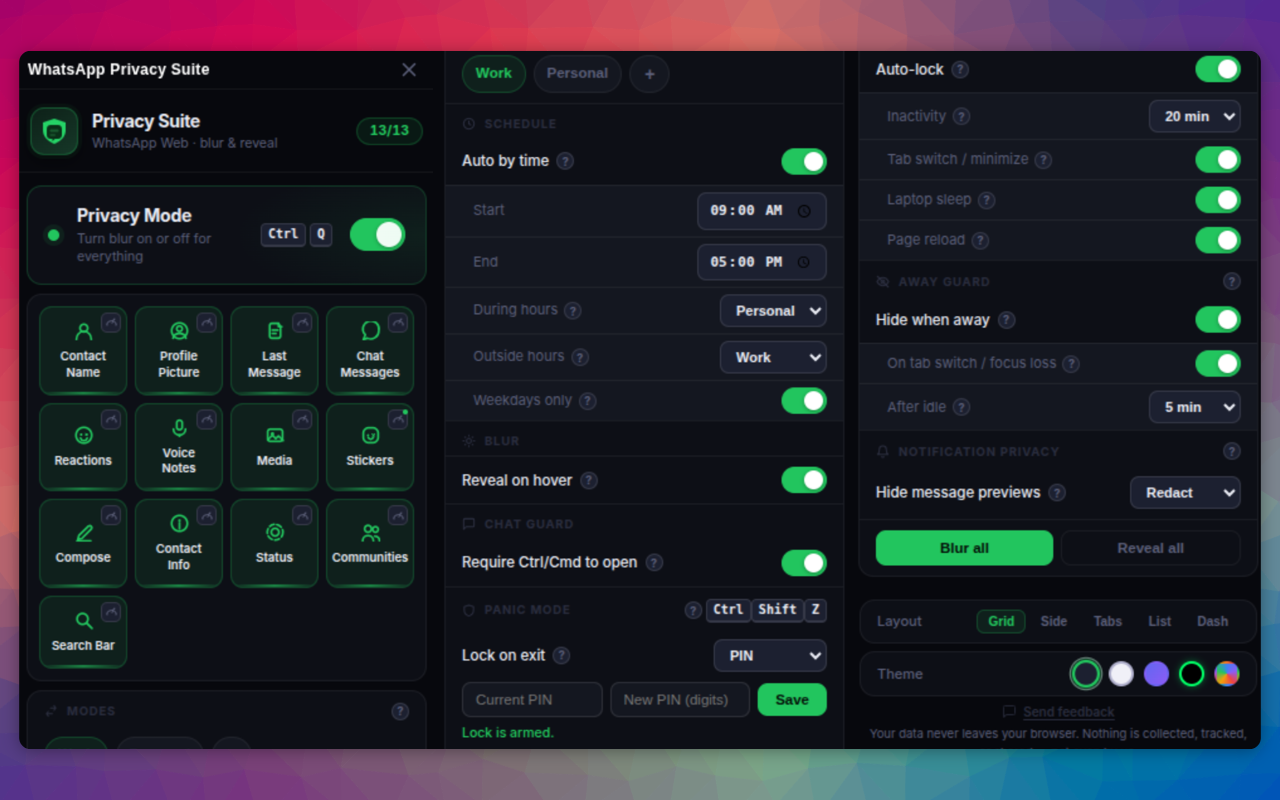
Selective Blur
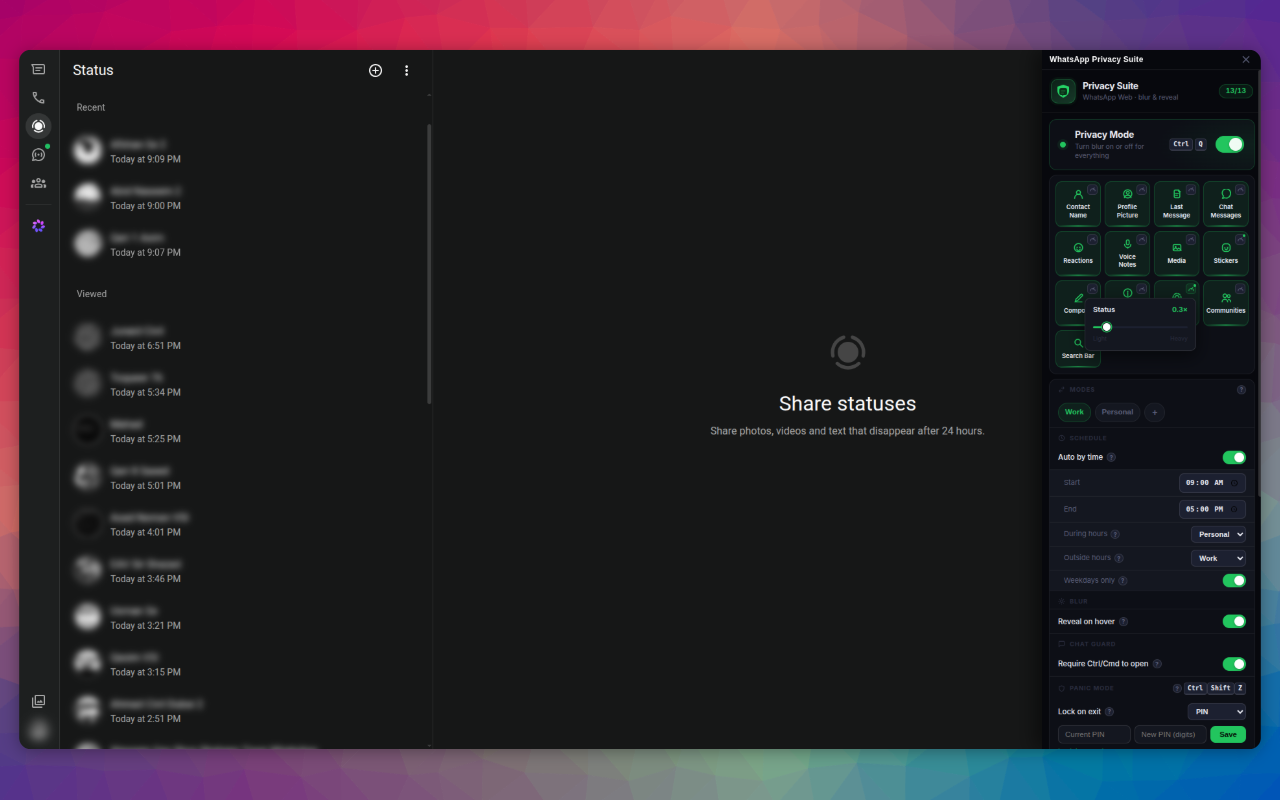
Blur contact names, profile pictures, message previews, media, voice notes, and more - each one a separate toggle. Hover to reveal, and adjust the blur strength with a slider.
Blur sensitive chats, hide everything with one keypress, and auto-lock the moment you look away. Your data never leaves your browser, nothing is collected, tracked, or shared.
No account. No analytics. No third-party SDKs. Open the popup and you're set.
Fine-grained controls that switch on in one tap, pick exactly what stays hidden.
Blur contact names, profile pictures, message previews, media, voice notes, and more - each one a separate toggle. Hover to reveal, and adjust the blur strength with a slider.
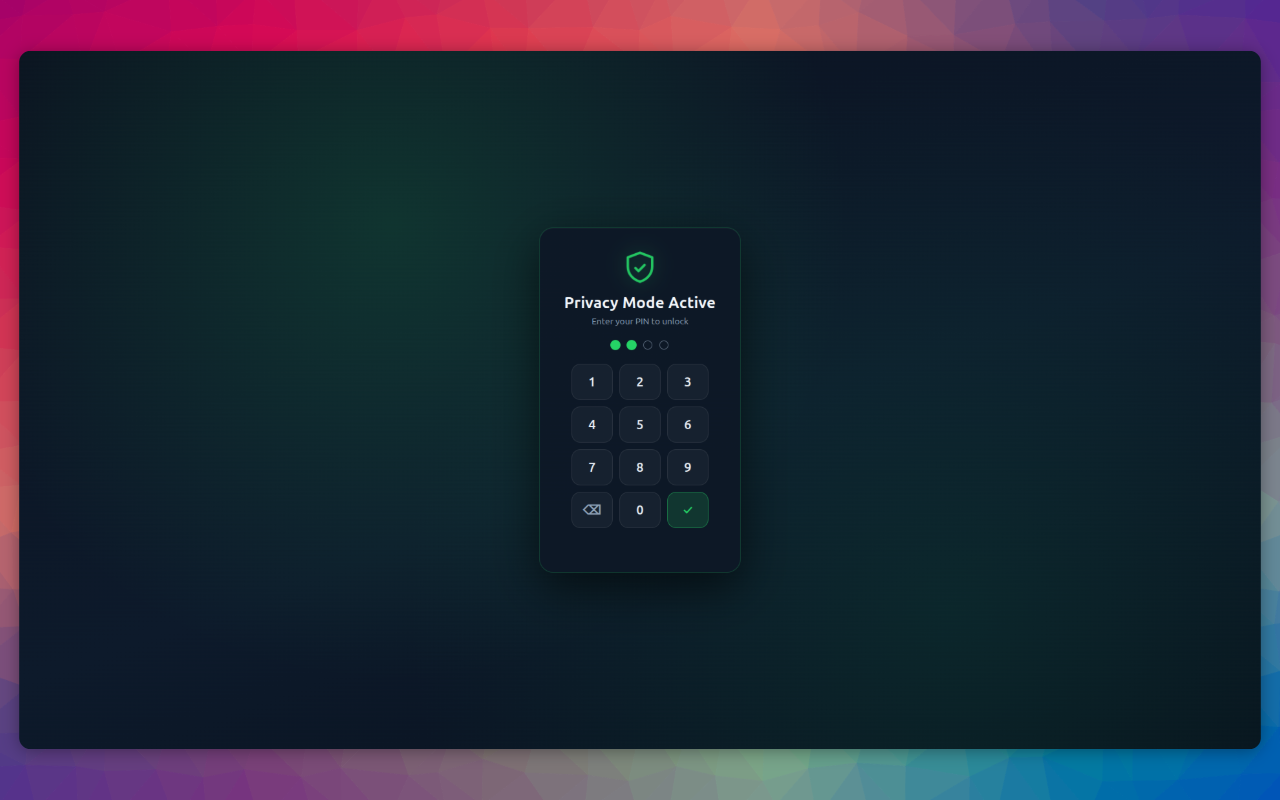
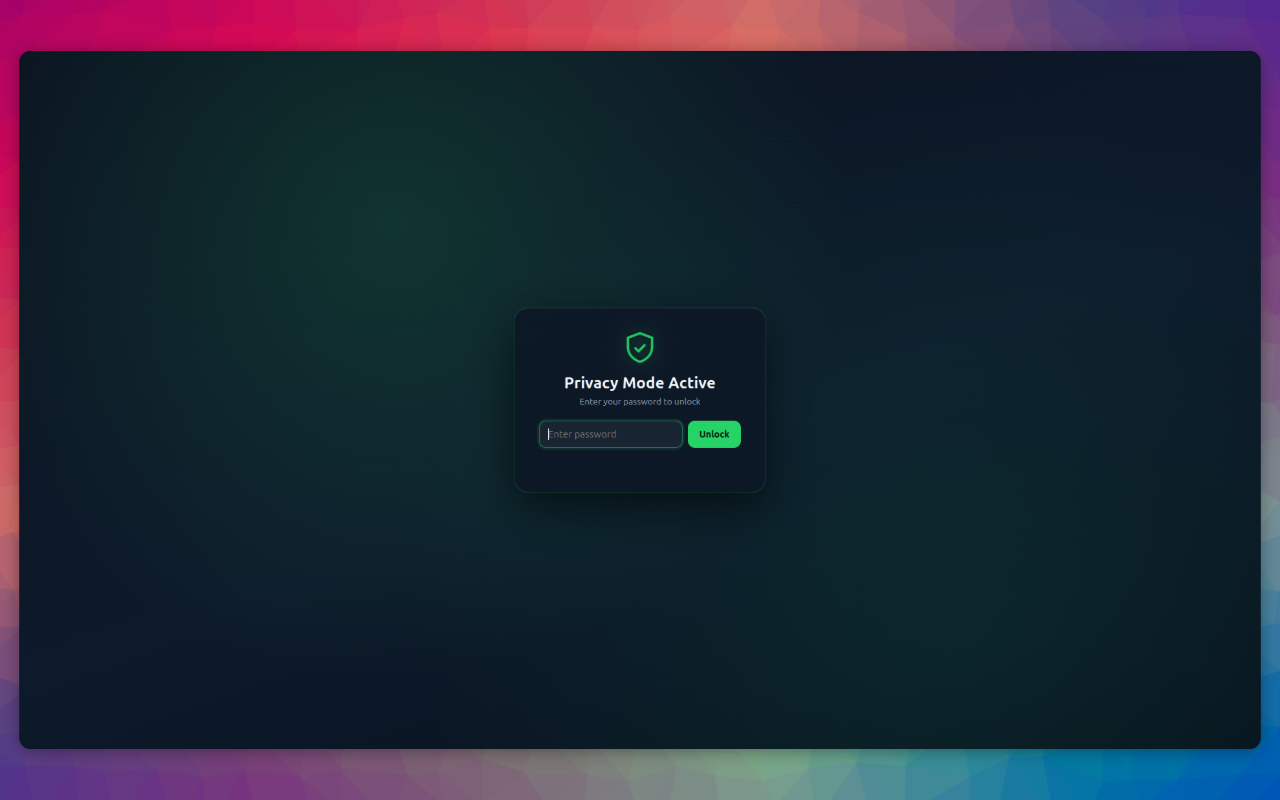
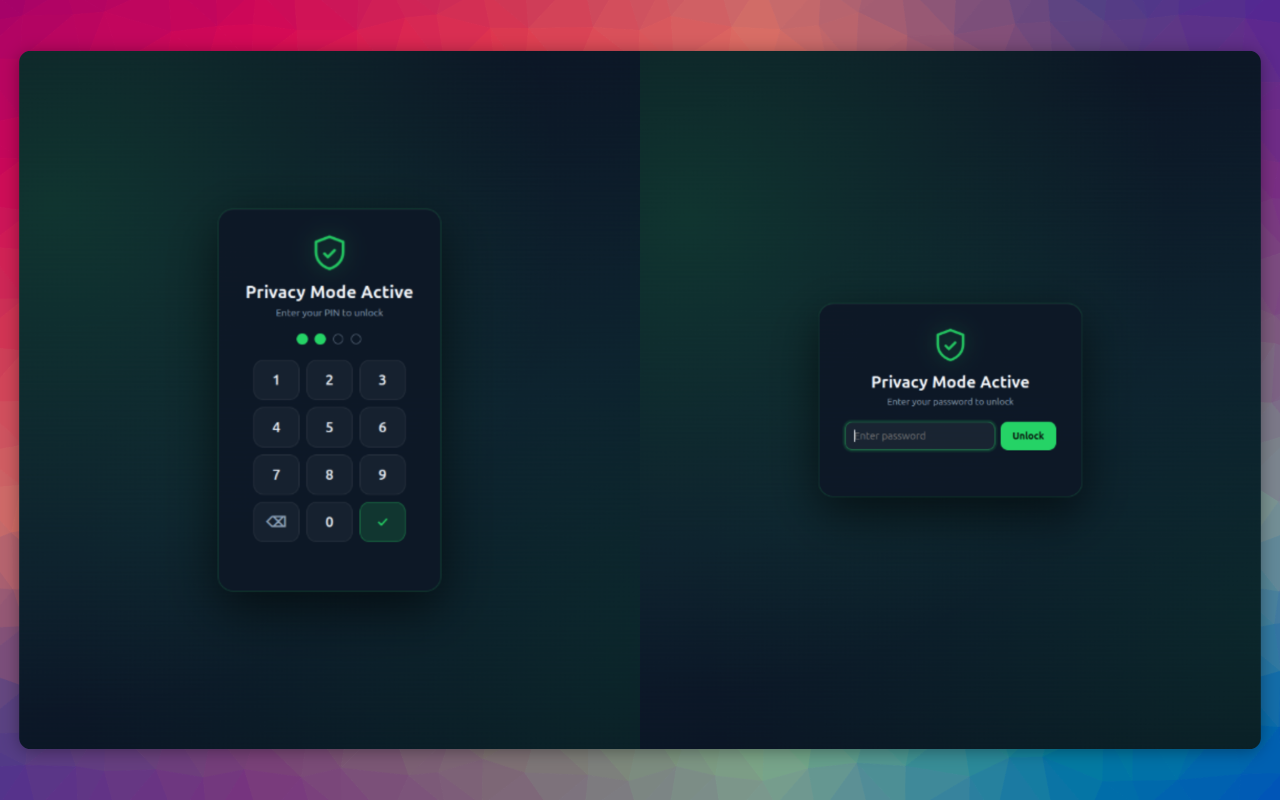
Press Ctrl+Shift+Z to instantly cover the whole screen. Optional PIN or password lock means nobody can turn it off without your secret.
Trigger Panic Mode automatically on inactivity, tab switch, minimize, laptop sleep, or page reload, enable only the triggers you need.
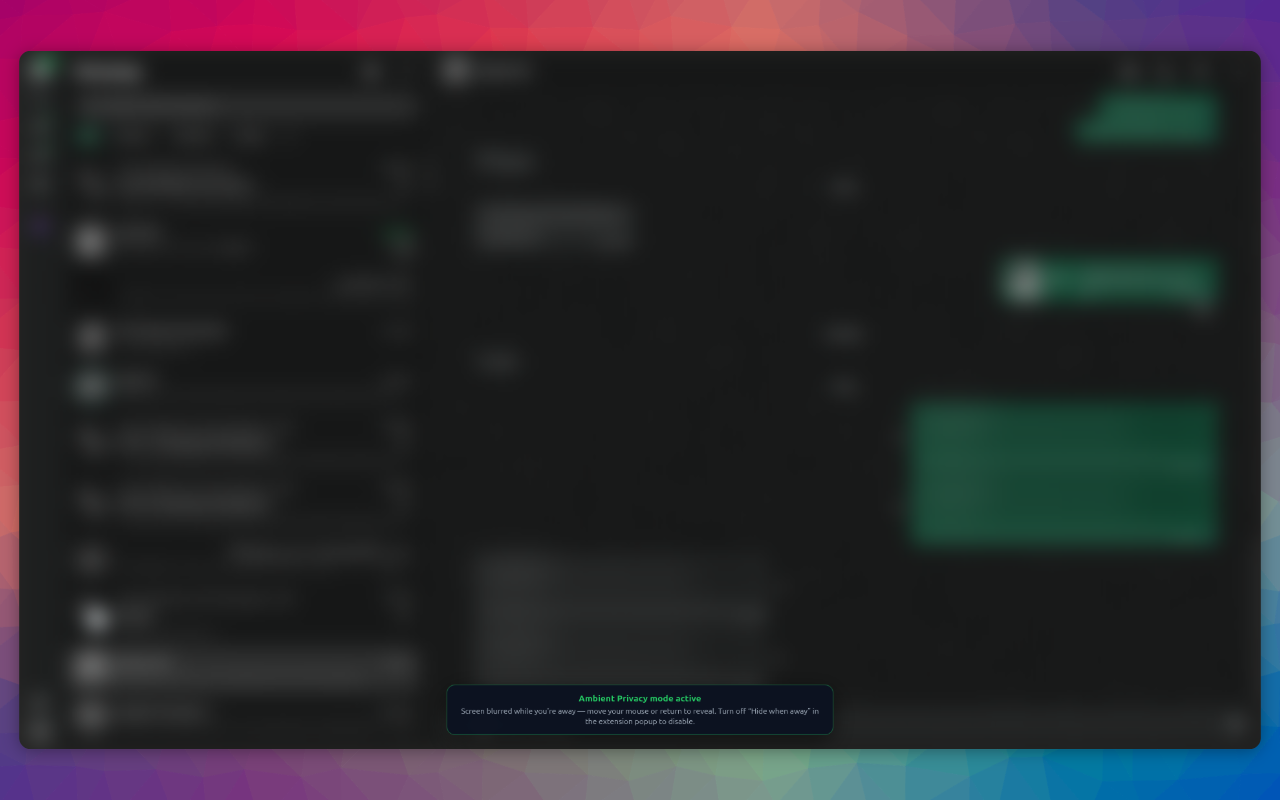
Hide WhatsApp the moment you look away, then bring it back when you return. Nothing is saved, so a reload always restores your normal view.
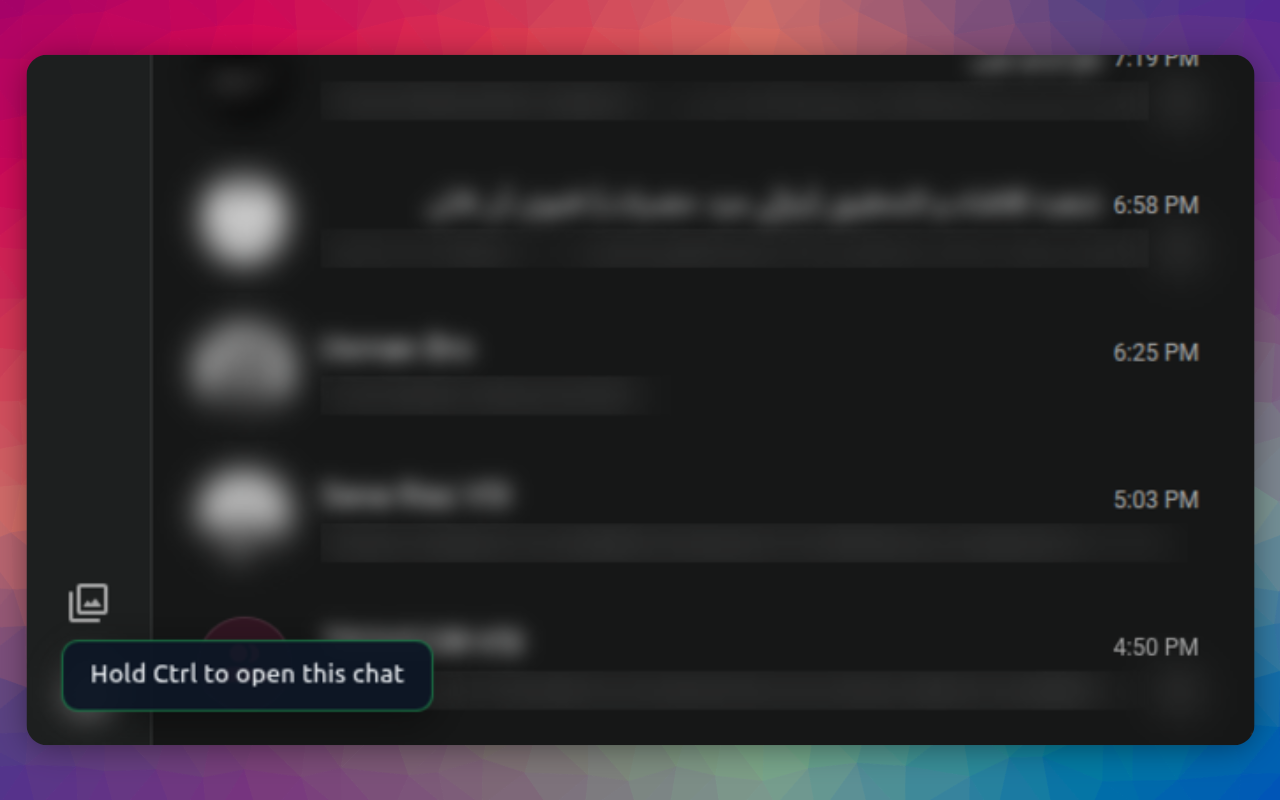
Require Ctrl+click to open any chat, so conversations never open by accident when someone glances at your screen.
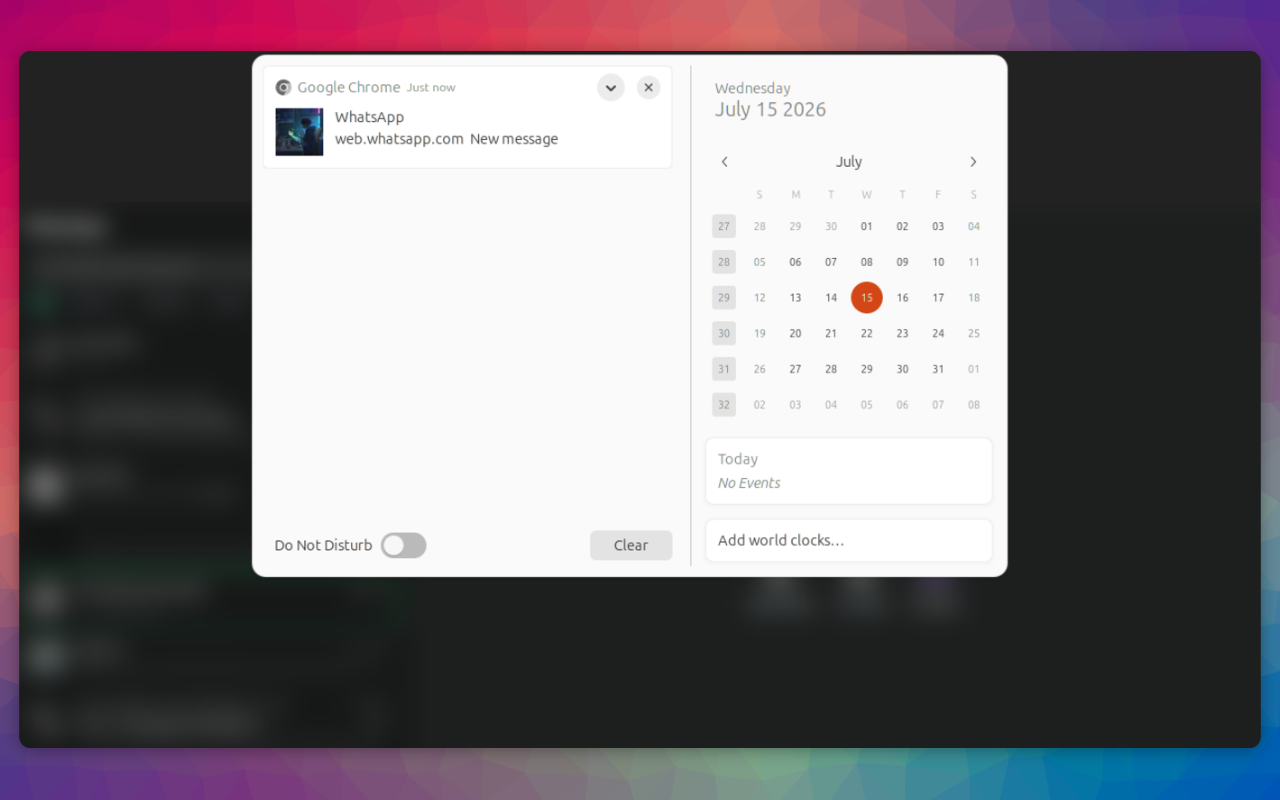
Stop desktop notifications from leaking the sender's name and message text, redact them to a generic "New message" or hide them entirely.
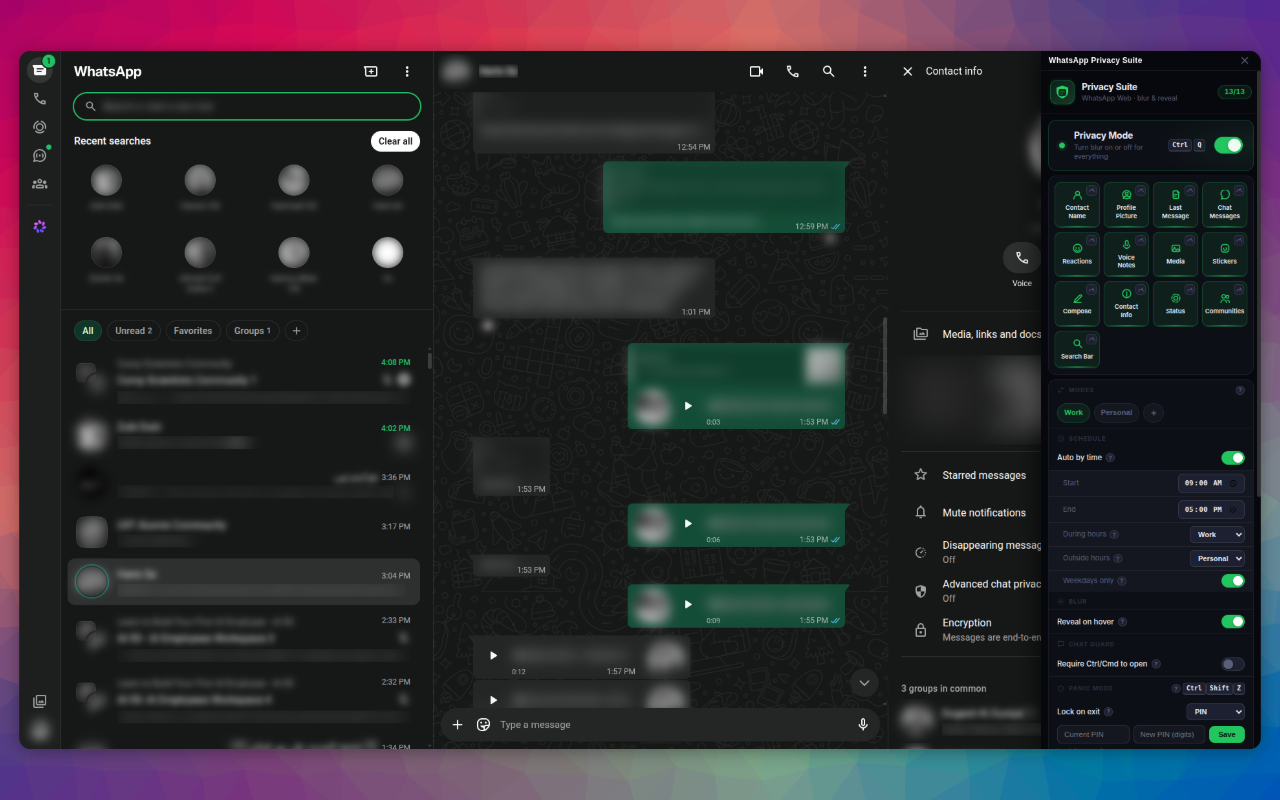
Real screenshots from WhatsApp Web with the Privacy Suite protecting the screen.
Turn on exactly what you want concealed and leave the rest visible. Hover any protected item to peek, then it re-hides automatically when your cursor moves away.
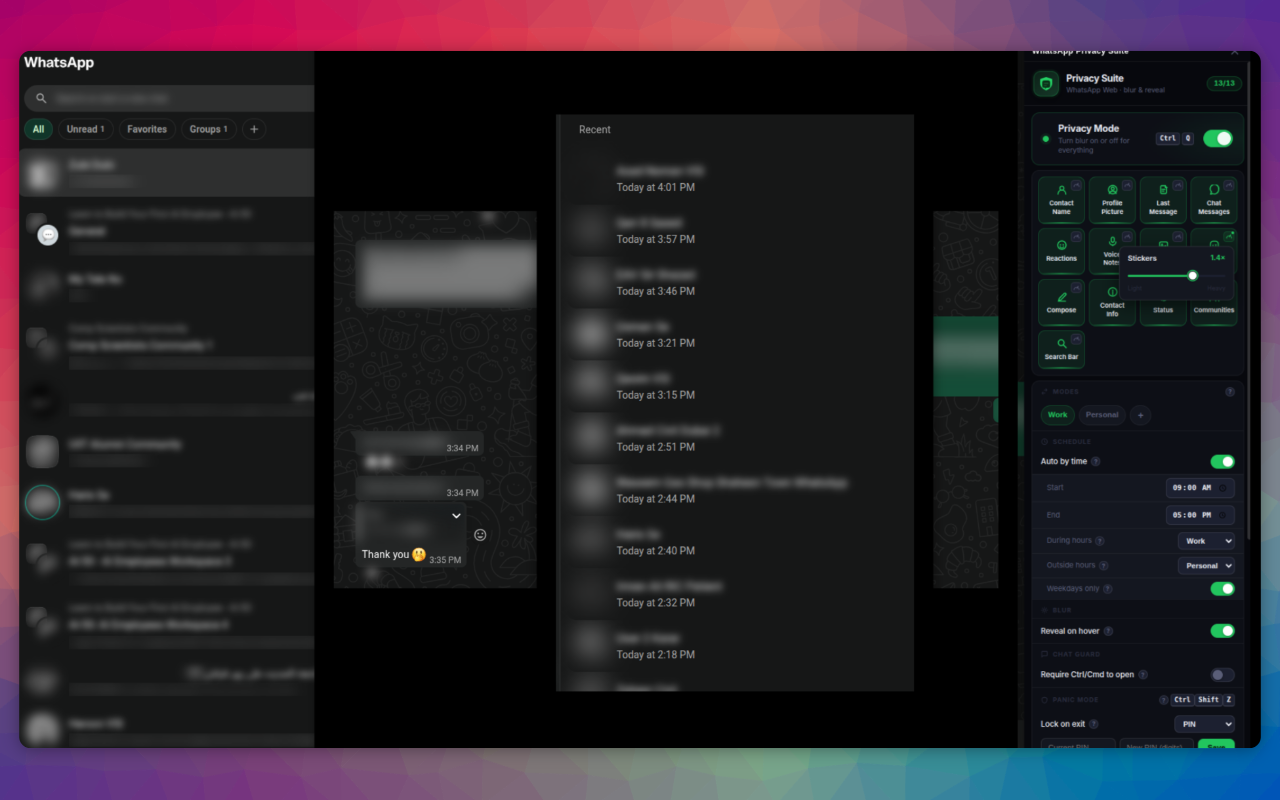
Slam the whole screen behind a privacy shield instantly, and arm it with a PIN or password so nobody can lift it without your secret.
The blur reaches everywhere sensitive content shows up. Status updates stay covered, thumbnails and previews alike, until you choose to look.
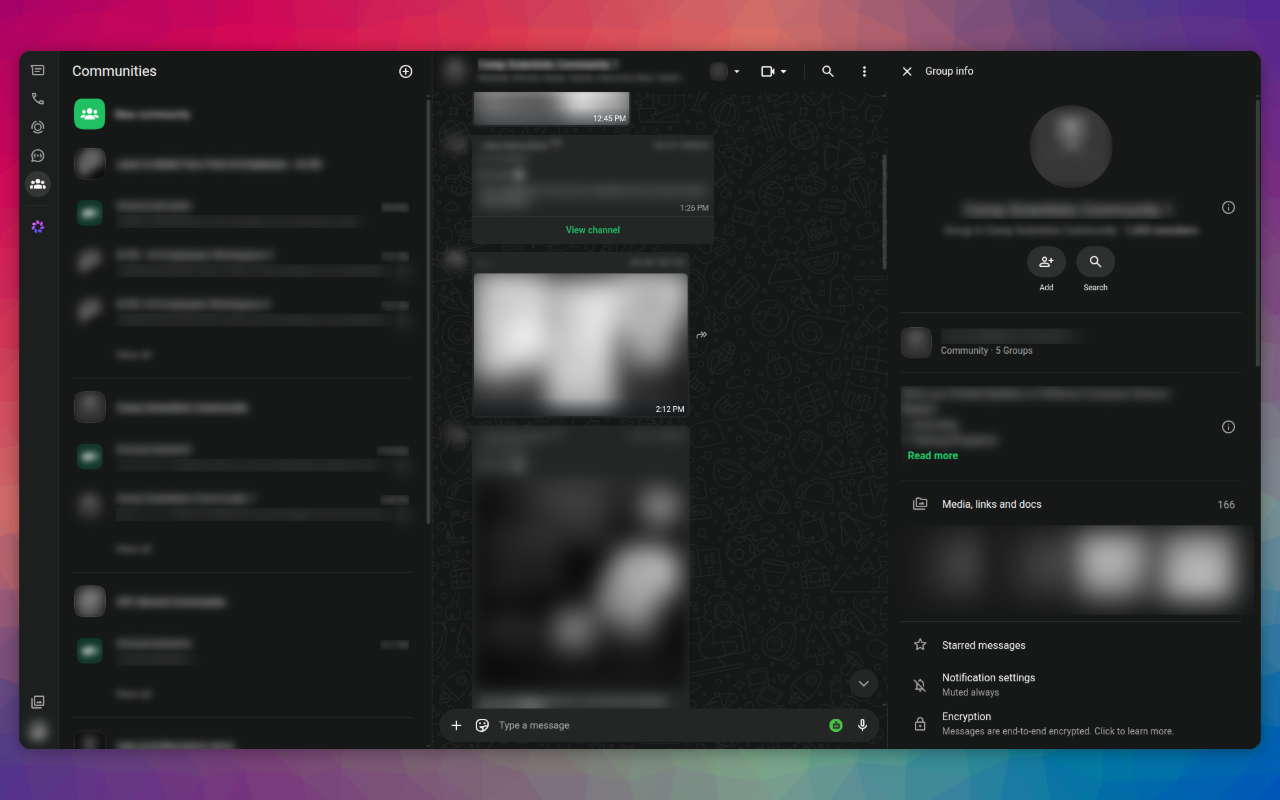
Community and group names, along with their icons, are just as sensitive as a one-to-one chat. Keep them covered so a glance at your screen gives nothing away.
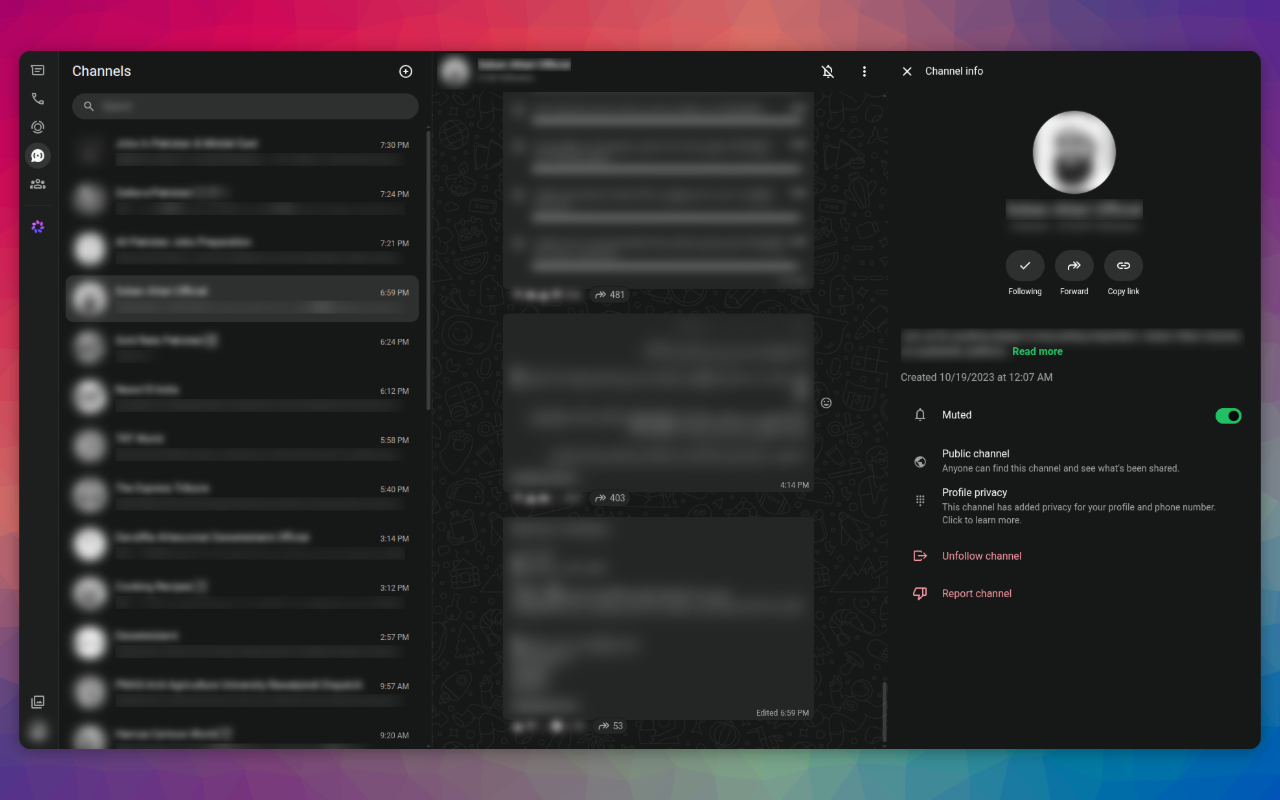
Followed Channels and their thumbnails can reveal a lot about your interests. The Privacy Suite blurs Channel artwork and names right alongside everything else.
Save your favourite blur setups as modes and flip between them in a tap, or let the schedule apply Work mode during your hours and Personal mode outside them, automatically.
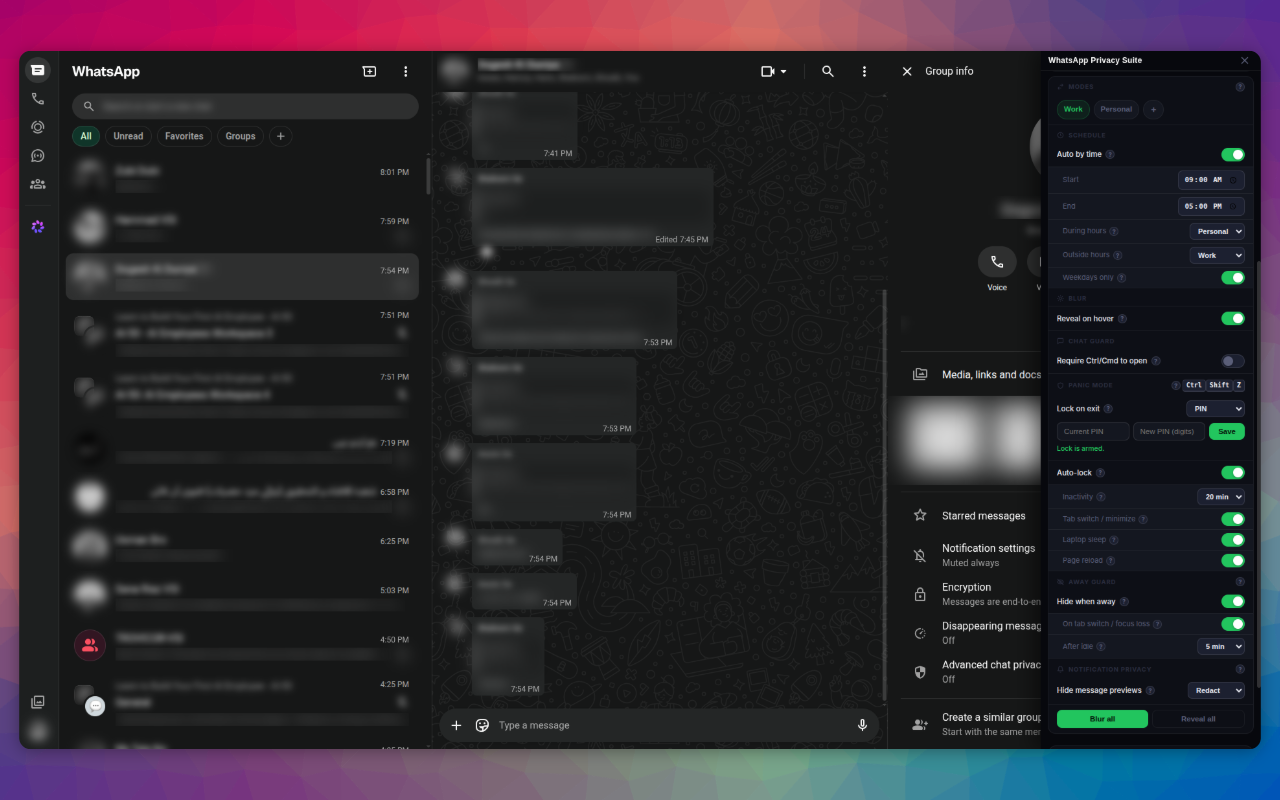
Desktop notifications normally show the sender's name and a slice of the message. Redact them to a generic "New message", or hide them entirely, so nothing leaks on your lock screen.
The one exception is an optional, anonymous uninstall survey. Read the full privacy policy →